Orientation Check List
Step 0: Order MVX+ test
Order your MVX+ test before you start your Roadmap to Health.
It is optional but we highly suggest you take it, so you know exactly where you need to focus on.
Ideally, you will retake this test before starting level 6: Stealth Infections and again after level 8: Organ Rebuild.
Step 1: Access Online Resources
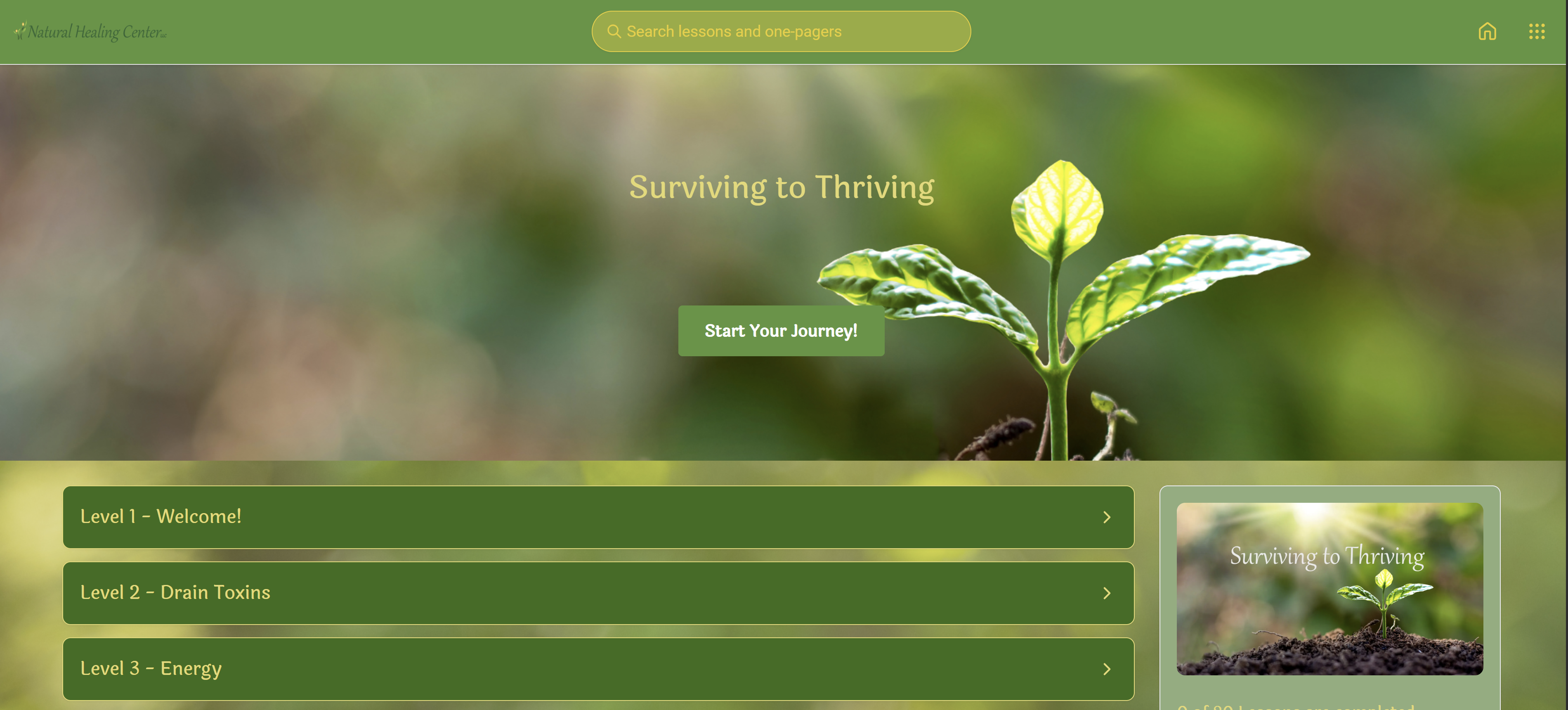
This is where you login to your online resources. You will find access to all the material that you currently have available in this location.
You should have received an email titled "Welcome to our membership!" that includes information to access your online resources.
Step 2: Set up Band app chat
Come join us in our private group chat!
Community is a critical element in helping you succeed in reaching your health goals.
We do not use social media; therefore, the band app chat is our social media platform.
There are so many people who have graduated through this program, are currently going through it, or are just starting out like you!
You can help cheer people on, ask questions, and get direct support from Dr. Mary, her staff, and clients on the same journey! You can participate with your smartphone, computer, or tablet!
Step 1: Download the app to your smart phone, laptop, tablet, etc
Download App links:
Step 2: Join our private group by clicking the link below or
scanning the QR code
Step 3: Make a post and introduce yourself!

Step 3: Weekly Client Connect

Thursdays at 5pm via Zoom.
We will send you the invite to the email address and phone number that you have registered with us.
Please note: When you log into zoom, ensure your name is displayed
- Direct Zoom Link: Click Here
- Password: THRIVE
- Join from your computer at: Zoom.us
You can also join from your cellphone with the app or web browser.
- Meeting ID: 898 4753 5479
- Password: THRIVE
- New to Zoom? Click Here to set up an account.
- Click Here to watch a recording on how to set up a Zoom account.
- You can also join from your cellphone with the app or web browser.
Please note: When you log in to Zoom, ensure the name used to enroll is displayed or we may privately message you to verify you are in the membership.
Step 4: CellCore Account
Step 1. Go to CellCore.com
Step 2. Choose "Register as a Customer."
Step 3. Copy this Patient Direct code: z6ha9STw
Step 4. Complete the remaining information.
Step 5. Fill your cart and check out!
IMPORTANT NOTE: Be sure to look at the quantity of pills in each bottle and the dosing from your health strategy plan to ensure you have enough to last you the appropriate time frame.
If you are putting in your first order and you are in phase one, you will need a 2-month supply of each item or as directed by your practitioner.
Step 5: FullScript account

In your FullScript account you will find Standard Process supplements and most additional supplements, but not all will be found here.
There are some homeopathics also.
Step 1. Go to our FullScript Dispensary CLICK HERE
Step 2. Create an account if you don't already have one by entering the email address you want to register.
- Then click "continue with email."
- A form will pop up requesting your first and last name.
- Then click "Create Account."
*You will receive a welcome email from FullScript upon creating an account.
Step 3. Login.
Step 4. Type in what you are looking for in the search bar at the top of the screen.
Step 5. Fill your cart and check out!
CLICK HERE to watch a recording on how to set up an account and place an order.
CLICK HERE to watch a recording on how to place an order with FullScript by the company.
IMPORTANT NOTE: Be sure to look at the quantity of pills in each bottle and the dosing from your health strategy plan to ensure you have enough to last you the appropriate time frame.
If you are putting in your first order, and you are in phase one, you will need a 2-month supply of each item or as directed by your practitioner.
Step 6: ORDERING Homeopathics

Option 2: FullScript
- You can search for some homeopathics on FullScript. However, you will not find all the remedies that we recommend in the clinic.
Option 3: Amazon
- The brand we suggest on Amazon is Boiron. Other brands are ok too if that is all they carry.
- You may not find all the homeopathics you need on Amazon.
Option 4: OHM Account - Use as last resort!
- For the hard-to-find homeopathics, your best bet is to order from OHM.
- They are pricey compared to other brands, because they have an order minimum of 2 vials per remedy, so use them as a last resort.
- These homeopathics can have such an amazing impact and are so inexpensive per dose when compared to supplements that it is worth having the right remedies even if you have to buy more than what you need.
Each homeopathic has a variety of uses. You may purchase one for a specific purpose but use it for other reasons in the future. It can also be helpful to have duplicates to keep in the car, workplace, or any other area you spend a lot of time. You can share with a friend!
Step 1. Go to OHM website Click Here
Step 2. Click on "Form #4." An online form will appear.
Step 3. Fill out the information required.
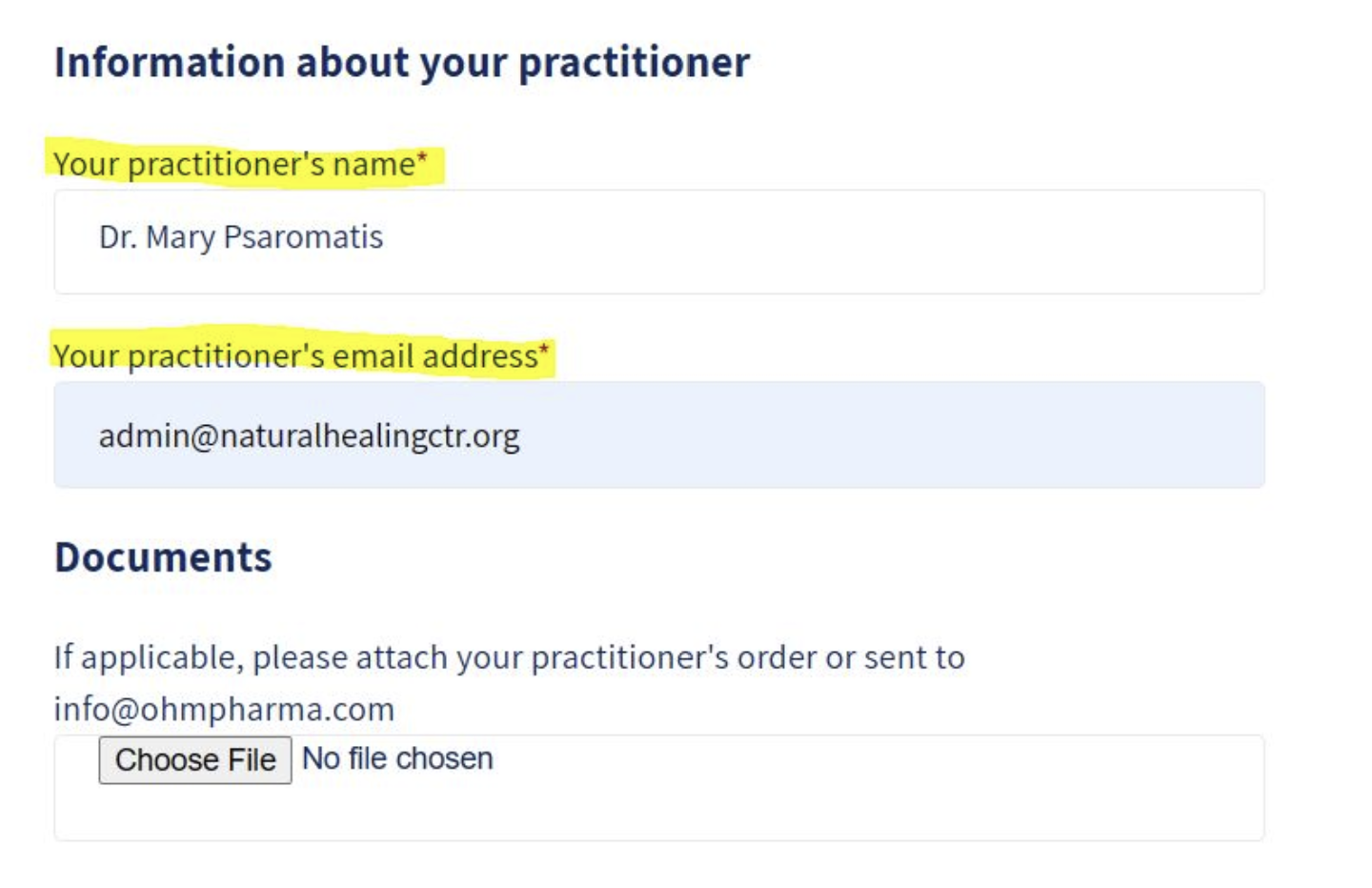
Note at the bottom of the form it will ask for "information about your practitioner." See image above.
Step 4. Wait for an email from OHM.
They will notify you when your account has been created and that you can log in and start shopping.
Watch this video on how to activate your account Click here
Step 5. Log into your account, click on products, fill your cart and check out.
Watch this video on how to submit an order Click here
Step 7: CHARM PATIENT PORTAL SET UP
This step is for clients who schedule virtual or in-person appointments with NHC practitioners. If you are taking the self-guided route, you can skip this step.
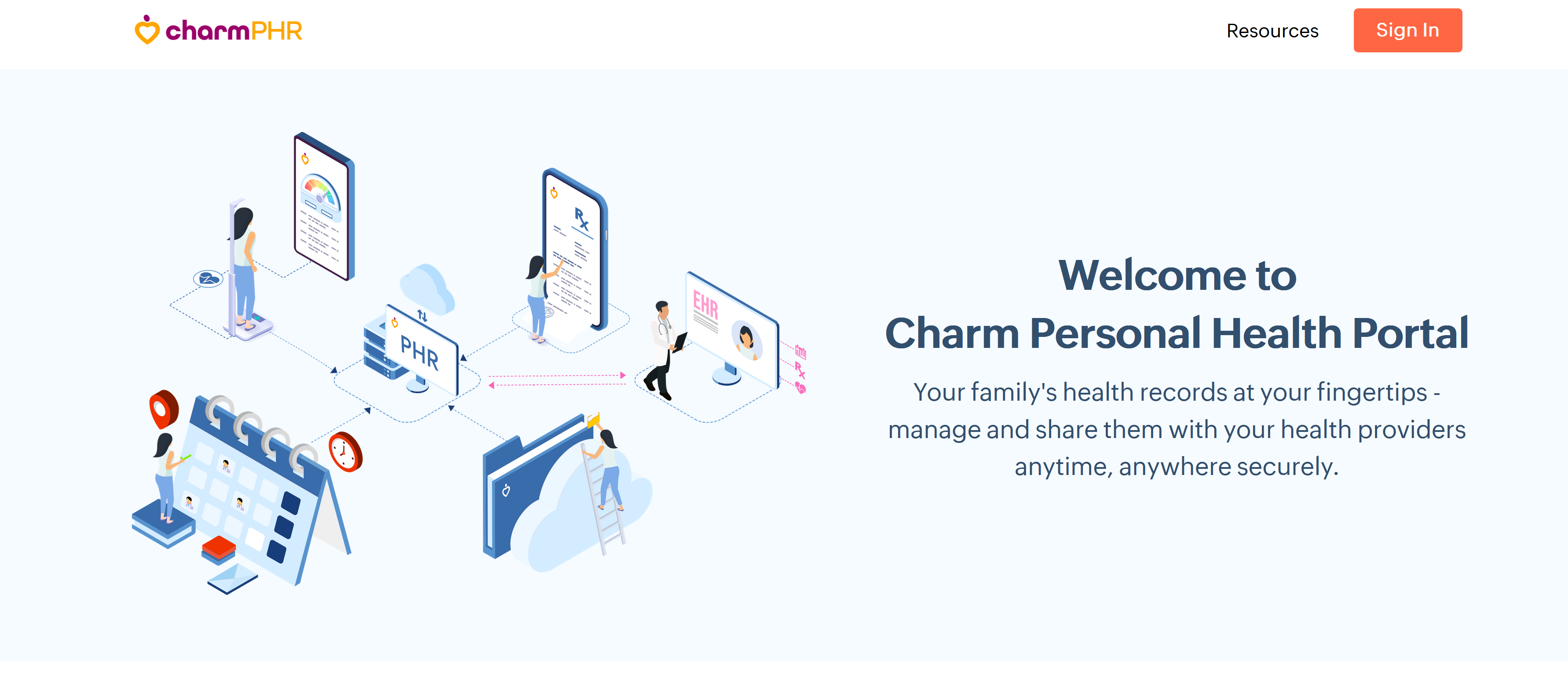
Charm is where you can manage your appointments, direct message Dr. Mary and the staff, pay invoices, upload documents (such as test results), look at your health strategy plan, etc.
Need Help? Watch a recording on how to set up your Charm Patient Portal and see an overview of the feature here!
Step 1: Log in to your Charm Patient Portal account here.
Step 2: Open the email from Charm.
- You should have received an email from Charm inviting you to finish setting up your account. Subject line: NHC Patient Portal RegistrationFrom: noreply@charmtracker.com
- Check your spam folder in case it is in there.
- If you need that email resent to you, please contact us here.
Step 3: Explore your patient portal.
- Find where to view your list of supplements and medications (remedies).
- Find your appointment summary from your last visit.
- Find where the documents are in case you need to upload anything for us.
- Be sure to link all family members in the same household to your charm account.
- Emergency contact is required.
Still need Help?
- Schedule a Complimentary Client Support Call, click here.
- Send us a text message to our support line at: 443-332-3922
Do not call the clinic to help you with any items listed as they do not have the availability to dedicate the required time to assist you.
That is why scheduling a complimentary Client Support Call is required.